


Trusted by 500+ creators building private handbooks

Stop forgetting
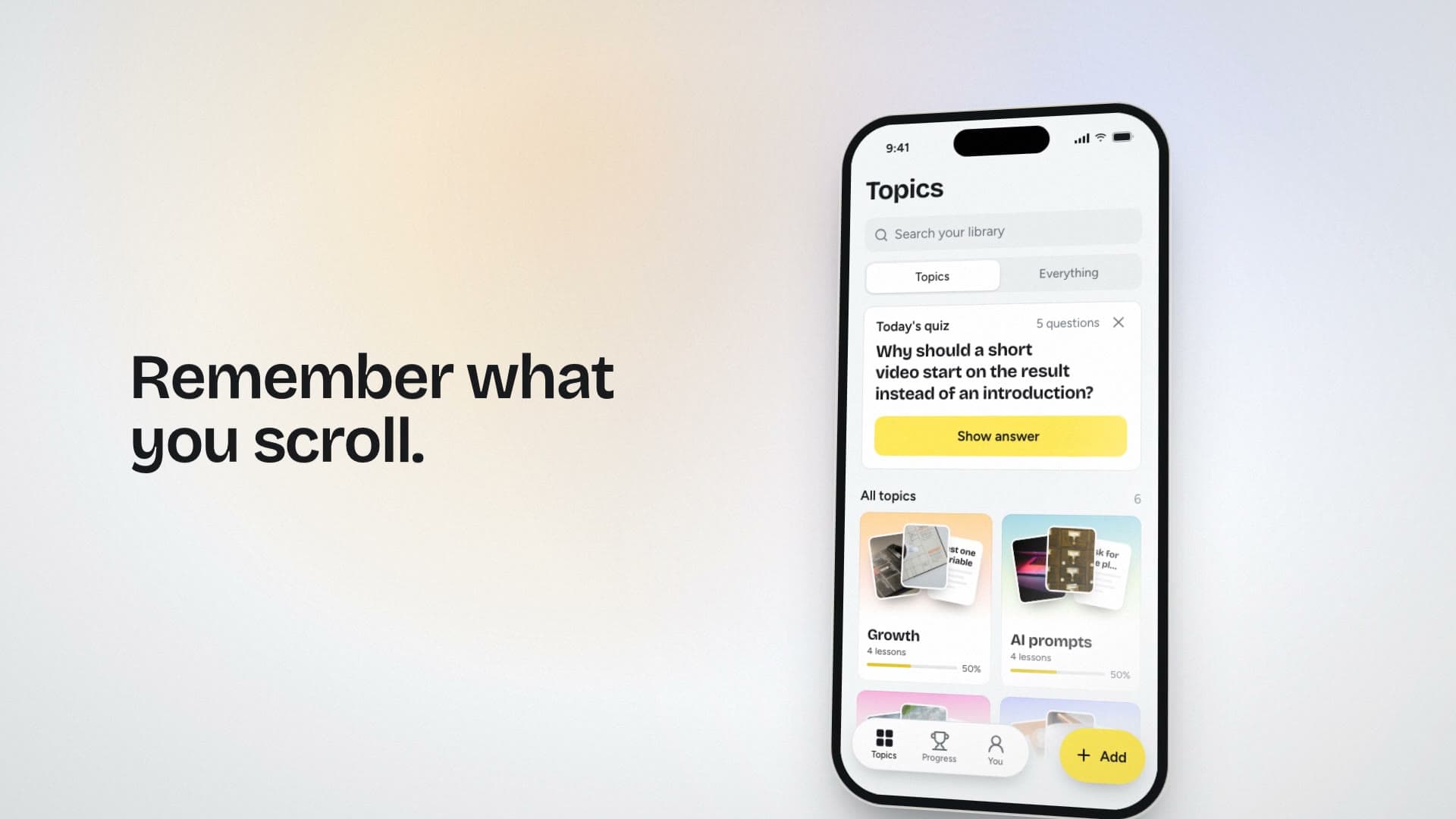
what you scroll.

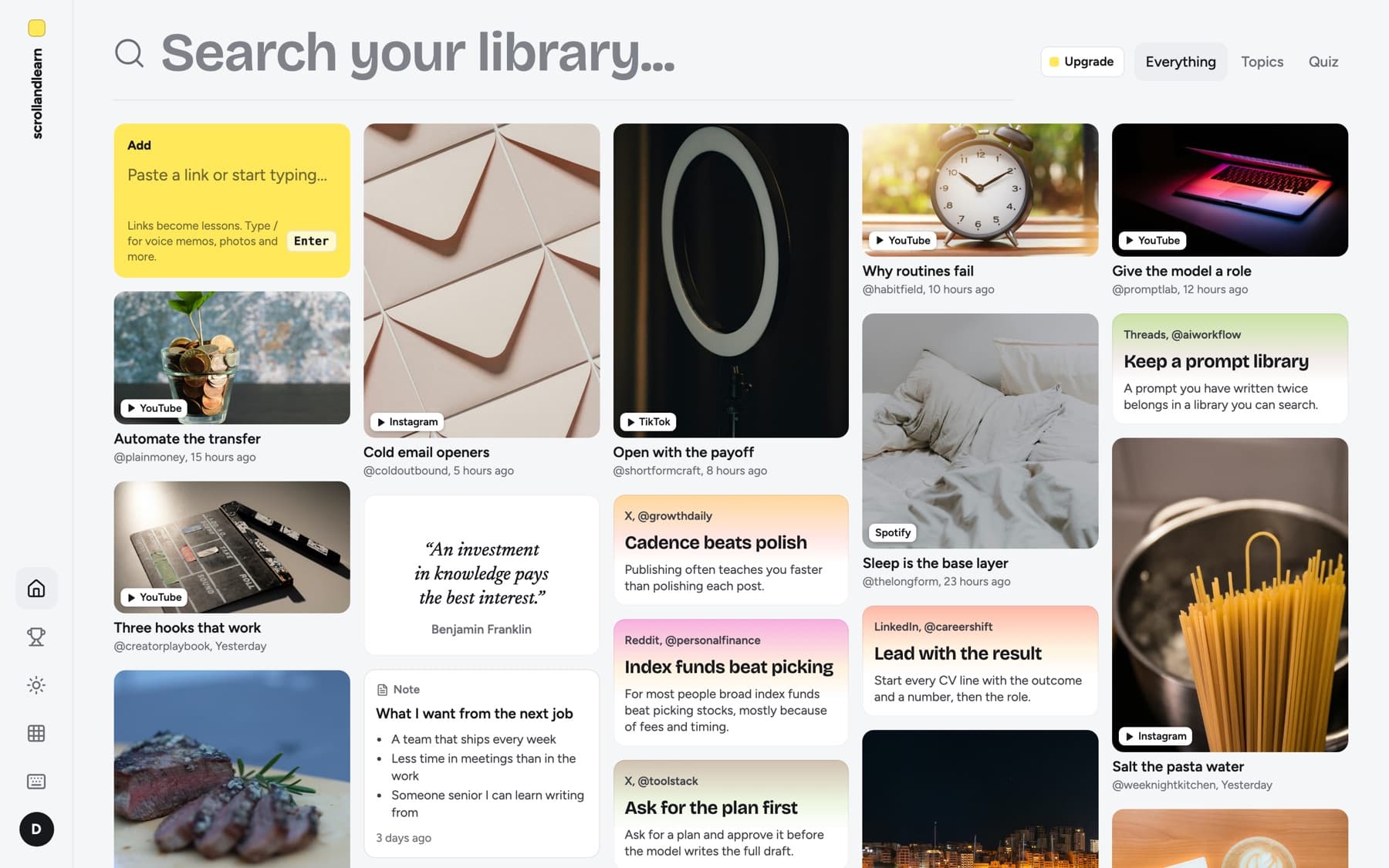
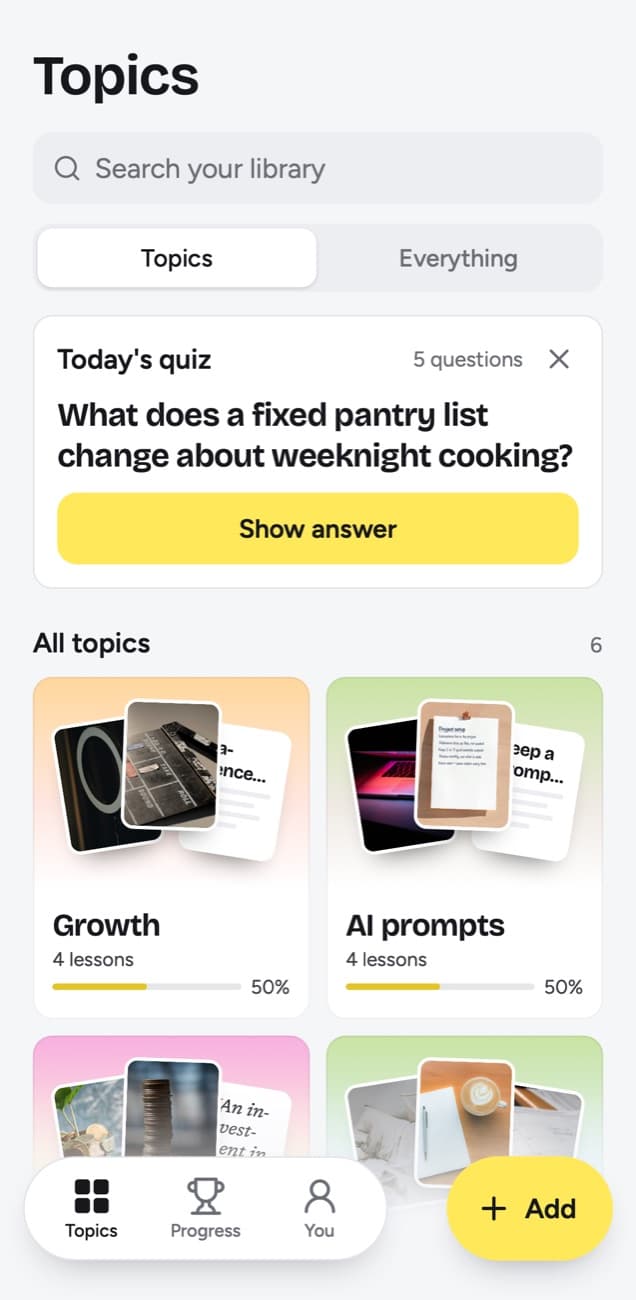
You save 50 reels a week. You re-watch zero. scrollandlearn turns every capture into a transcript-backed lesson, sorted by topic, ready when you need it.

Free for 30 days·Cancel anytime·No card until day 31
Your first lesson in 2 minutes. No setup ritual.

Capture

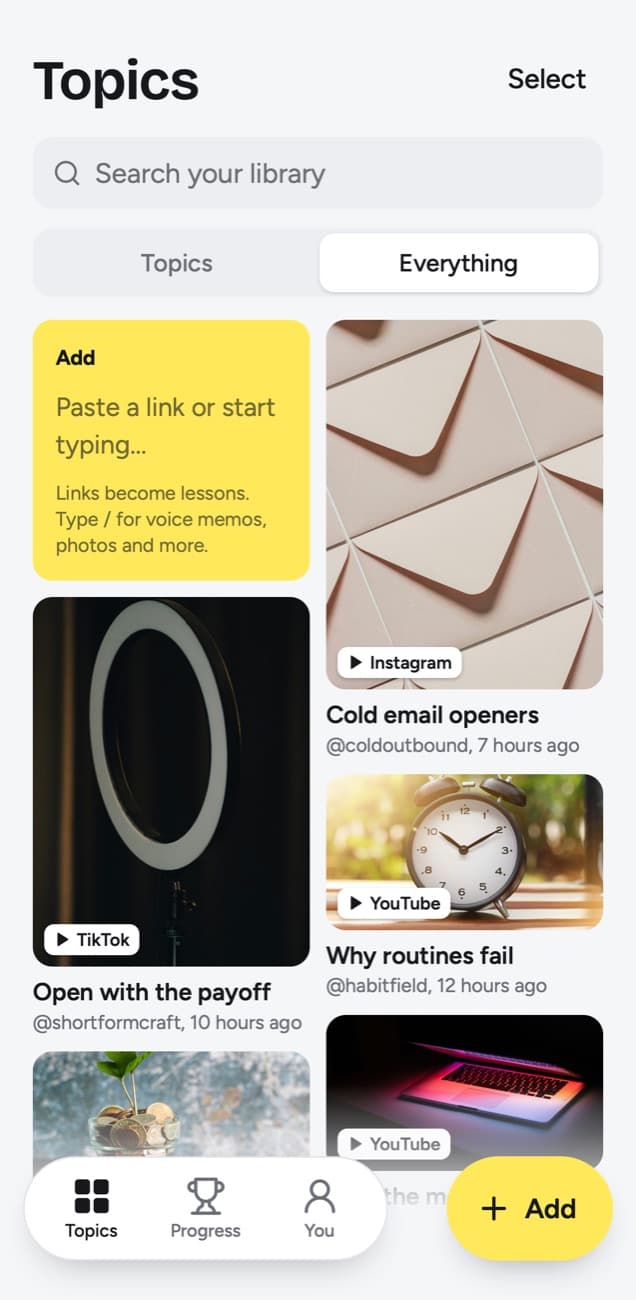
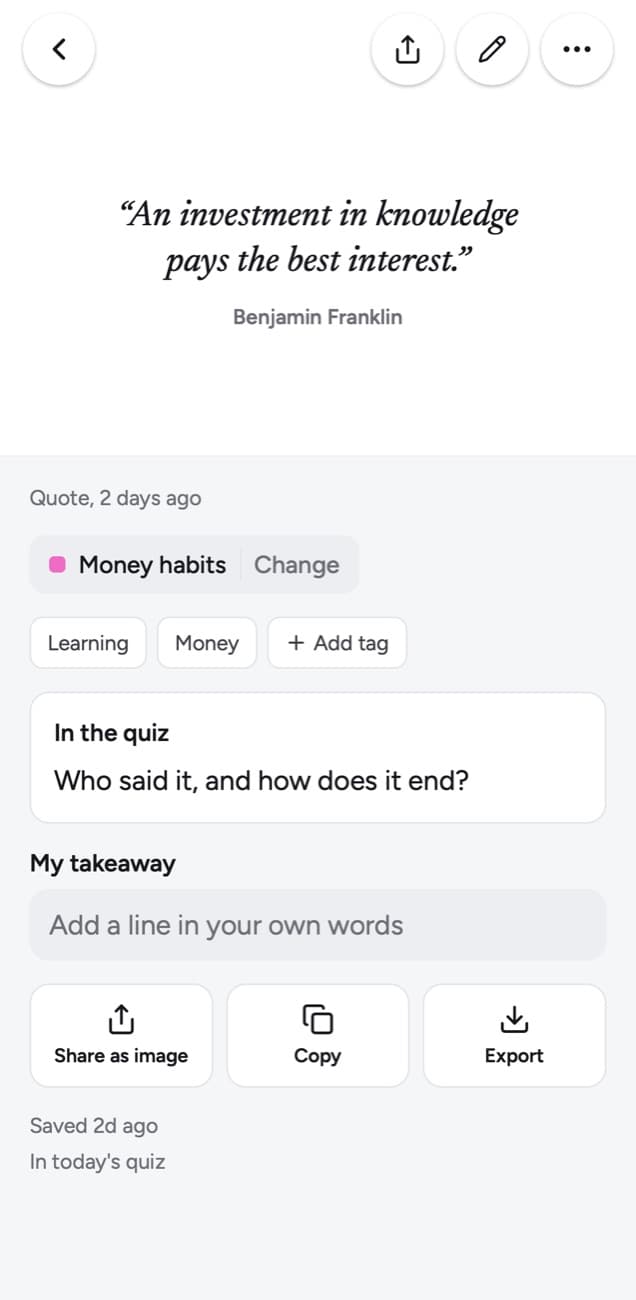
Paste a link, drop a file, record a memo

AI processes

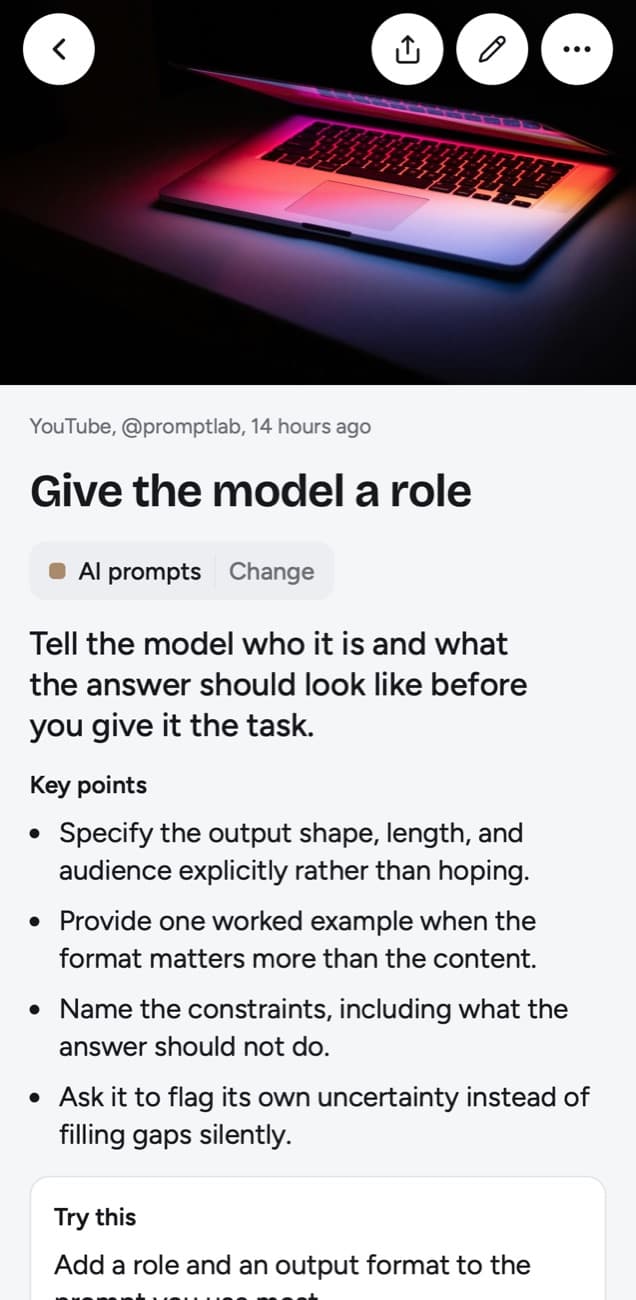
Transcript, summary, topic routing

Open in handbook

A 30-second read instead of a 30-min re-watch

Value stack

Honest about the alternatives.

Stop paying for five apps that don't talk to each other. Here's what scrollandlearn covers in one subscription, and what you'd be cobbling together otherwise.

scrollandlearnThat's us

One subscription

  • Auto transcript for audio and videoYes
  • AI summary + key takeaways per sourceYes
  • Auto topic routing (no sorting)Yes
  • Public link support for 15+ platformsYes
  • Private storage with original source attachedYes
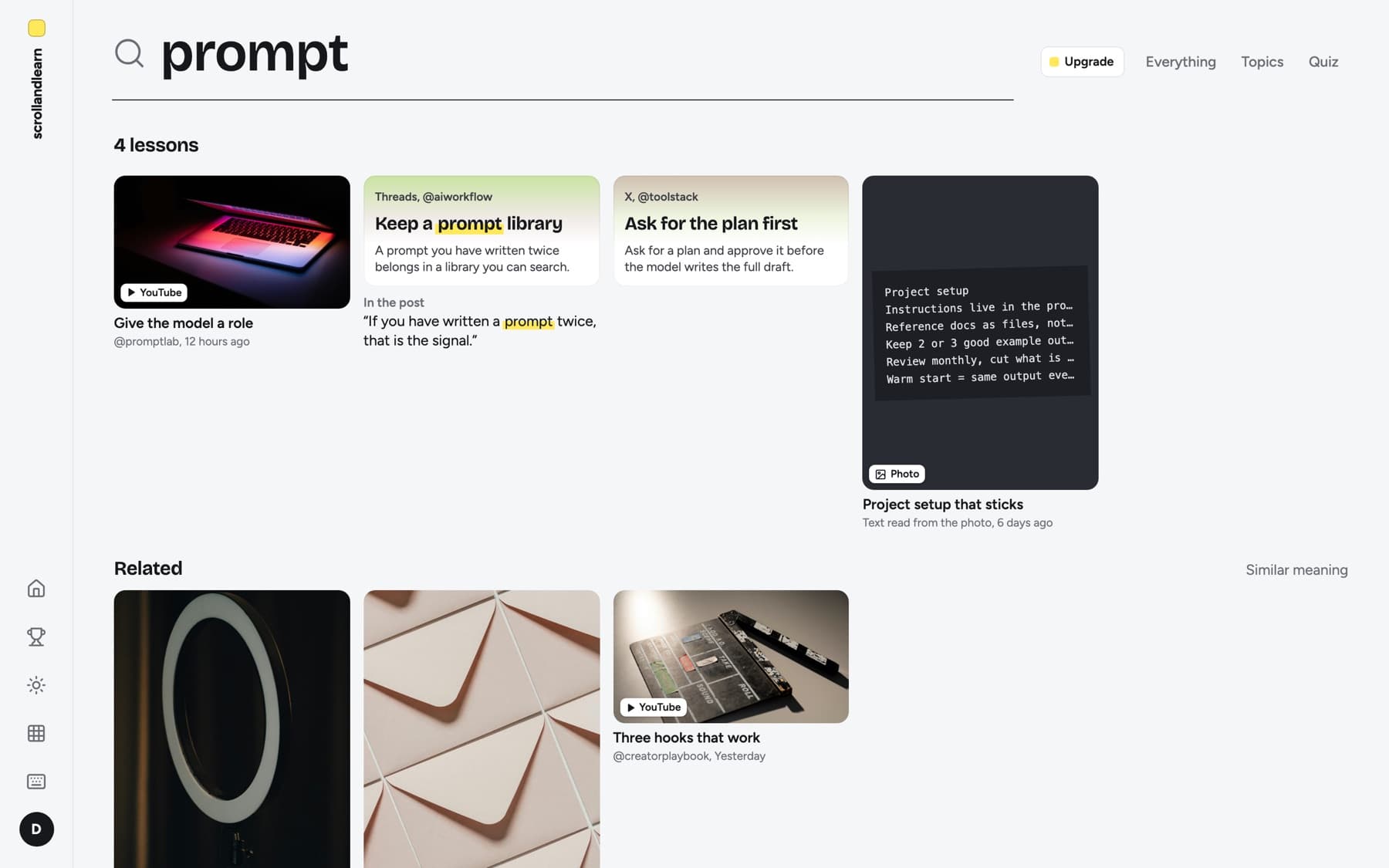
  • Search across every lesson keptYes
  • Zero setup, zero maintenanceYes
$19.99first month free
Build your own

Whisper + GPT + n8n

  • Auto transcript for audio and videoYes
  • AI summary + key takeaways per sourceYes
  • Auto topic routing (no sorting)No
  • Public link support for 15+ platformsPartial
  • Private storage with original source attachedNo
  • Search across every lesson keptNo
  • Zero setup, zero maintenanceNo
$60-120 / mo+ 6-10 hrs setup, ongoing maintenance
Transcription apps

Otter + Trint + Notion AI + Readwise

  • Auto transcript for audio and videoYes
  • AI summary + key takeaways per sourceNo
  • Auto topic routing (no sorting)No
  • Public link support for 15+ platformsNo
  • Private storage with original source attachedYes
  • Search across every lesson keptYes
  • Zero setup, zero maintenanceYes
$70-90 / mofour separate subscriptions
Manual workflow

Notion + ChatGPT

  • Auto transcript for audio and videoNo
  • AI summary + key takeaways per sourceNo
  • Auto topic routing (no sorting)No
  • Public link support for 15+ platformsNo
  • Private storage with original source attachedYes
  • Search across every lesson keptYes
  • Zero setup, zero maintenanceNo
$45-65 / mo+ hours of manual sorting weekly

Swipe to compare →

Skip the five-app stack.

One tool, one subscription, $19.99/mo.

First month free · No charge until day 31 · Cancel anytime
Full coverage

Every platform, linked.

Paste a public link from any of these. scrollandlearn pulls transcript, caption, and metadata, then turns it into a 30-second lesson in your handbook.

15 platforms — one paste

Instagram
TikTok
YouTube
Facebook
X / Twitter
Threads
Reddit
Bluesky
LinkedIn
Pinterest
Twitch
Spotify
SoundCloud
Snapchat
Rumble

Direct extraction first. If a platform's access changes, we keep the public preview and ask for an upload only when transcript quality depends on it.

Why creators switch

Five problems, one handbook.

For podcast listeners

Never lose another takeaway.

Forward the audio file. AI transcribes, surfaces the three things that actually mattered, files it under the right topic so you can find it in 5 seconds - not 50 minutes.

For IG / TikTok scrollers

Remember every reel you save.

Paste the link. scrollandlearn pulls the transcript when public, generates a one-line summary, and tags it. Skim, don't re-watch.

For meeting notes

Make whiteboards searchable.

Snap a photo or paste raw notes. OCR, cleanup, topic routing - all in 30 seconds. Decisions never get buried in a notebook again.

For voice memos

Useful past day one.

Record on the go. Transcript and summary land in your handbook - not buried in the Voice Memos app where ideas go to die.

For everything else

Capture without sorting.

Drop it all in. Topic routing is automatic. You only touch organization when you want to refine.

Raw input becomes a private lesson.

Every source enters the same clean path: capture it, extract the signal, and save the usable version with context, source, and category attached.

Capture

Voice, photo, video, file, note, or pasted link.

Transcript

Audio and video become searchable text with timestamps.

Summary

The useful signal is reduced into clear takeaways.

Category

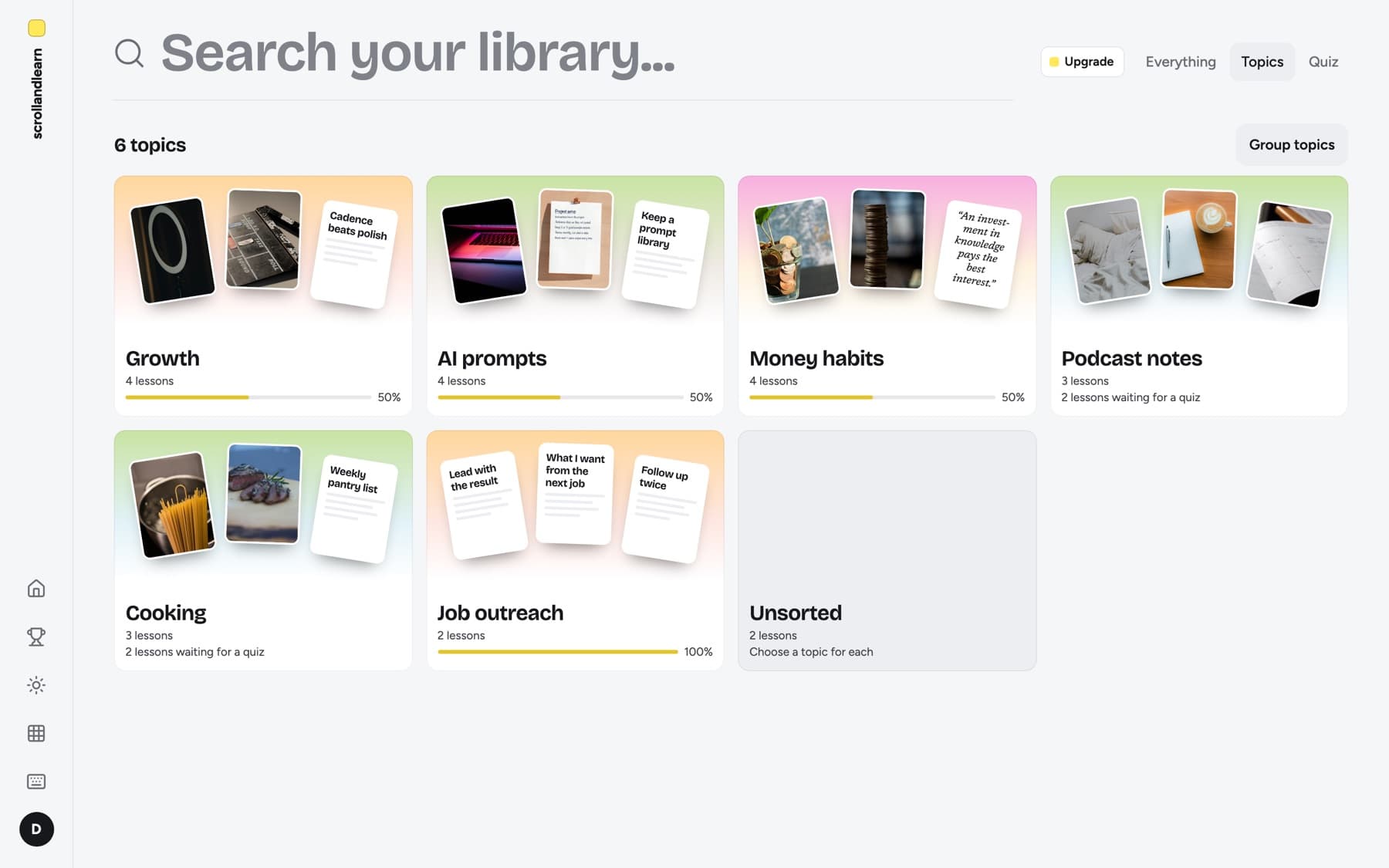
Each lesson gets routed into the right topic.

Handbook

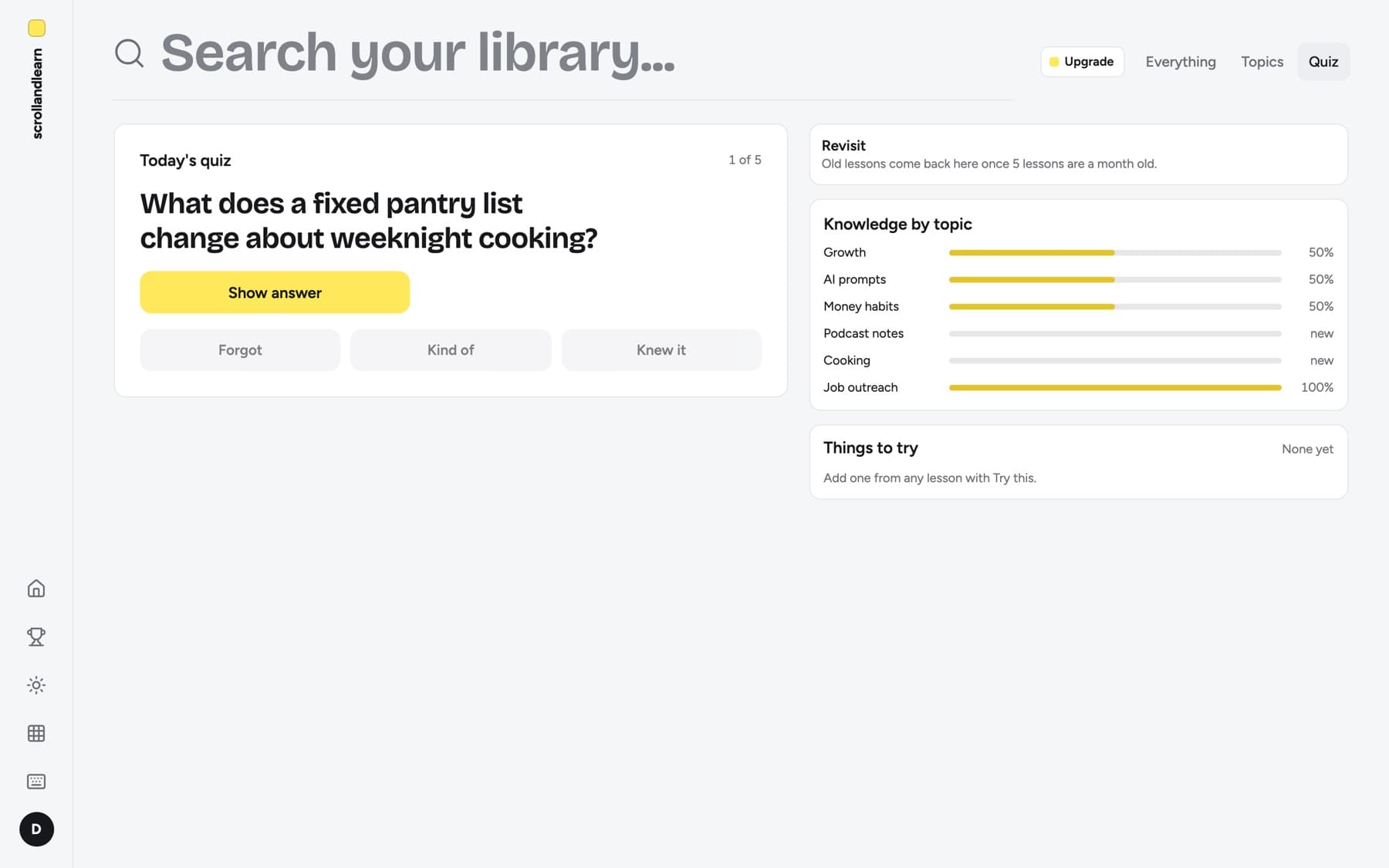
A saved entry you can scan, edit, and return to.

Stop collecting tabs. Build a handbook.

scrollandlearn is for the gap between saving something and actually learning from it. It gives saved material a second life as searchable, structured entries.

Creators

Turn clips, ideas, and voice notes into reusable source material for scripts, posts, and repeatable output.

Research

Review calls, links, files, and media with a clean source trail, summary, and category attached to every saved entry.

Learning

Build a private handbook from daily inputs without deciding where every capture belongs in the moment.

Plans for the size of your learning loop.

Start with a free Starter trial, then unlock more captures, transcription minutes, and AI routing when scrollandlearn becomes part of your daily workflow.

Starter

First month free

Start saving what you scroll with a card-backed trial.

$19.99 / mo

  • 60 captures / month
  • 60 transcription minutes
  • GPT-5.4 mini summaries
Start 30-day trial

Creator

For a consistent weekly learning habit.

$49.99 / mo

  • 500 captures / month
  • 600 transcription minutes
  • GPT-5.4 summaries
Start Creator

“Stopped saving reels to a Notion graveyard. Everything I scroll is now a 30-second read in my handbook.”

Marin B., content creator

Power

For heavy research and larger review loops.

$149.99 / mo

  • 5,000 captures / month
  • 5,000 transcription minutes
  • GPT-5.4 summaries
Start Power

Try Starter free for 30 days.

Stripe billing only kicks in on day 31. Cancel from Settings then Billing in one click anytime. Your handbook stays exportable.

Private by default. Built for work you control.

Your captures, generated notes, and handbook entries stay scoped to your account and plan limits.

Private accounts

Supabase sessions and private user data boundaries.

Separated storage

Captured media stays in a private bucket.

Usage limits

Billing state and plan limits are part of the app flow.

Source trail

Lessons keep the original context attached.

Questions before you start capturing.

The short version: save the source quickly, let scrollandlearn process it, then keep the useful version in your private handbook.

Is scrollandlearn for me?+

If you save more than 5 things a week - podcasts, reels, links, voice memos - and forget half of them, yes. It's built for creators, learners, and operators who consume more than they can re-read. Not built for pure note-taking (use Bear or Obsidian for that).

How long until I see value?+

First capture is in your handbook within 2 minutes. Most users feel the difference after their 5th save. By week two, your handbook starts pulling its weight when you search for something specific.

How is this different from Readwise, Notion, or Obsidian?+

Readwise reads what you read (Kindle, articles). scrollandlearn captures what you scroll (reels, podcasts, voice). Notion is a blank canvas you organize. scrollandlearn is auto-organized - topics fill themselves. We complement, not replace.

Can I cancel anytime? What happens to my handbook?+

One click in Settings then Billing. Cancellation kicks in at the end of your paid period. Your handbook stays accessible during that time and you can export everything (topics, lessons, transcripts) as a single archive before downgrading to read-only.

How does the free trial work?+

Starter includes 30 days free through Stripe Checkout. You add a card at signup but nothing is charged until day 31. Cancel any time during the trial and you'll never see a charge. After the trial, Starter is $19.99/month until you cancel.

Is my handbook private?+

The product is designed around private accounts, scoped captures, and plan limits. Signed-in users and stored media stay separated in the app flow. Your captures are never used to train AI models.

Turn your next saved post into a lesson.

First month free on Starter. Capture links, upload media when platforms require it, and keep the useful version in your private handbook.